



Leanna
Members
-
Joined
-
Last visited
Everything posted by Leanna
-
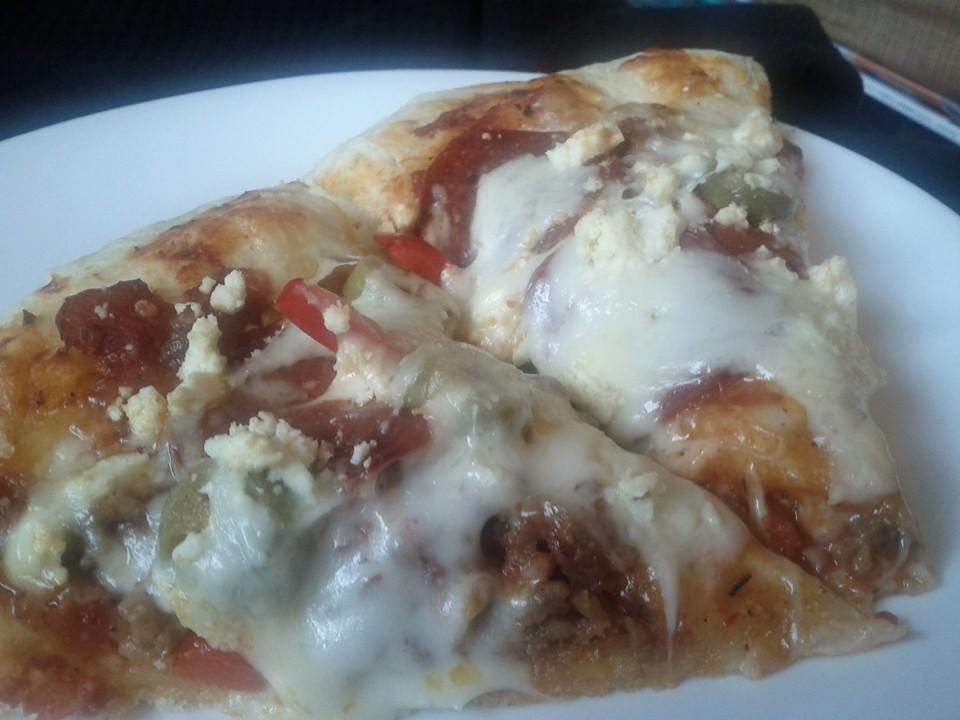
Homemade pizza tonight. My boyfriend is awesome. :)
-
Hey Ross! Nice to meet you. :) Welcome and congrats on your 6 months of freedom. :D
-
Thanks Trish! Nice to meet you as well. :)
-
Hahaha, yeah, people are generally confused about the choice of user name. I hear my friends say, "I thought your user name said Anal..." Oy vey!
-
Hey Carly! Welcome. :) Wow, 7.5 months after 45 years? That's incredible! You are an inspiration. :) Glad to have you here and am looking forward to your posts.
-
Hey Rez. Welcome, and nice to see you! :D
-
Hey Christa, Good to see you! I can't even remember the last time I saw one of your posts. Hope all is well.
-
Oh yeah, I suppose I should actually introduce myself, eh? For those of you who don't know me (which is probably lots since I kind of laid low on QSMB): My name's Leanna (or Annael backwards). I'm 26 from Ontario, Canada. I started smoking when I was 20, I think. I was smoking between a half a pack/pack a day, sometimes more if I was around other smokers. In August 2012 after battling some throat thing, I decided to quit. Yup, cold turkey. I started a new job and was in training, so there was very little stress. It also kept my mind occupied so I wasn't a raging lunatic all the time. :) This is my forever quit and I'm very happy I've made it.
-
Welcome Tiffany. :) Good to see you again!
-
Hi everyone, Just wanted to say a quick hello. :) I'm glad for the change of scenery. :D

