WeegieWoman
Members
-
Joined
-
Last visited
Everything posted by WeegieWoman
-
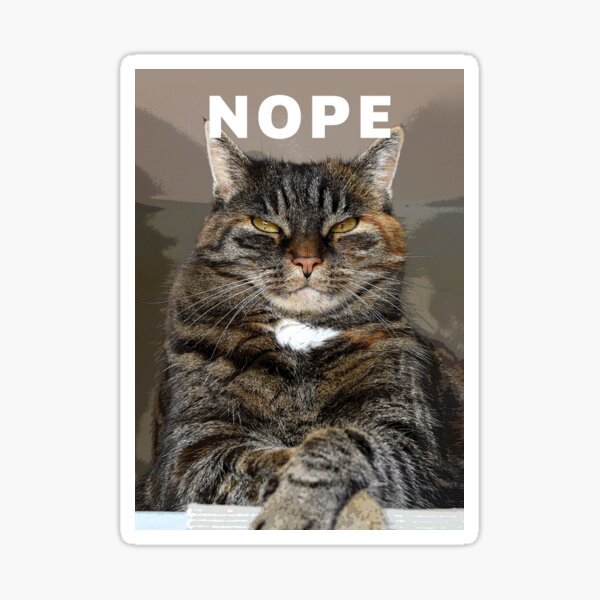
Nope
 Nope
Nope Nope
Nope Happy Hump Day Everyone
 Nope for Tuesday
 Hey, I quit using the patches, I think they are literally the best thing ever, I couldnt have done it without them!! Its defintely not a cop out, its a very useful tool, they realllllly help, and you can just work down the strength of the patch over time. Coming off the patches wasnt then like going cold turkey, I worked down the strength over time and then found odd days where i had forgot to put on the patch! Thats when I thought i was ready to come off them when that kept happening, i suppose i did use them as a crutch in the beginning, but i needed that! We had lots of smoking rituals and my new ritual was putting on the patch, setting me up for the day! Good luck with it!
Important Information
Account
Navigation
Search
Configure browser push notifications
Chrome (Android)
- Tap the lock icon next to the address bar.
- Tap Permissions → Notifications.
- Adjust your preference.
Chrome (Desktop)
- Click the padlock icon in the address bar.
- Select Site settings.
- Find Notifications and adjust your preference.
Safari (iOS 16.4+)
- Ensure the site is installed via Add to Home Screen.
- Open Settings App → Notifications.
- Find your app name and adjust your preference.
Safari (macOS)
- Go to Safari → Preferences.
- Click the Websites tab.
- Select Notifications in the sidebar.
- Find this website and adjust your preference.
Edge (Android)
- Tap the lock icon next to the address bar.
- Tap Permissions.
- Find Notifications and adjust your preference.
Edge (Desktop)
- Click the padlock icon in the address bar.
- Click Permissions for this site.
- Find Notifications and adjust your preference.
Firefox (Android)
- Go to Settings → Site permissions.
- Tap Notifications.
- Find this site in the list and adjust your preference.
Firefox (Desktop)
- Open Firefox Settings.
- Search for Notifications.
- Find this site in the list and adjust your preference.