Pilgrim
Members
-
Joined
-
Last visited
Everything posted by Pilgrim
-
-
day 5 of my quit and still fighting the demons. NOPE!

-
-
-
-
Thank you Doreensfree and Minnie Mouse. 💙 - and bezel too! Solid advice from all of you. I appreciate it.
-
-
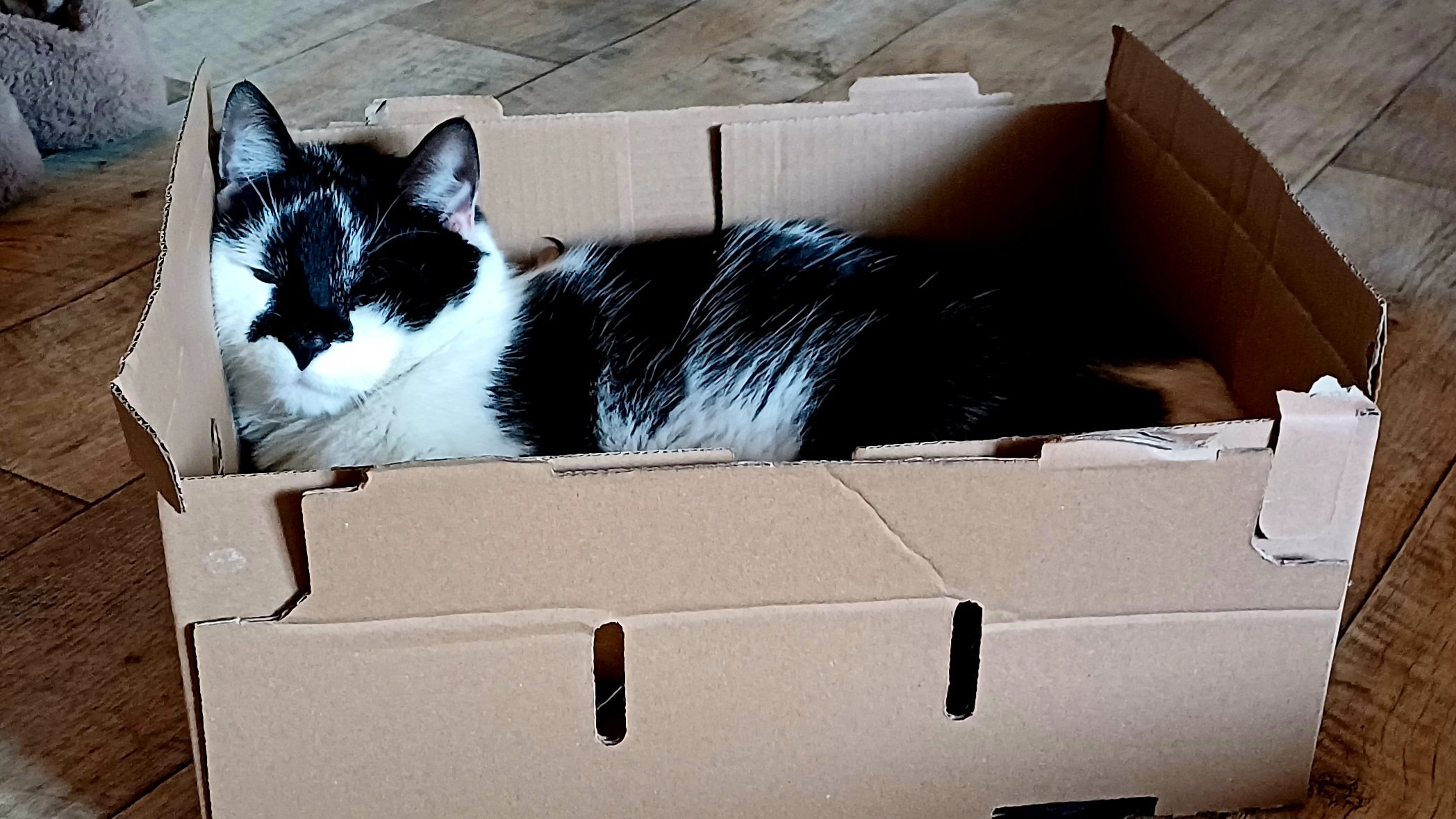
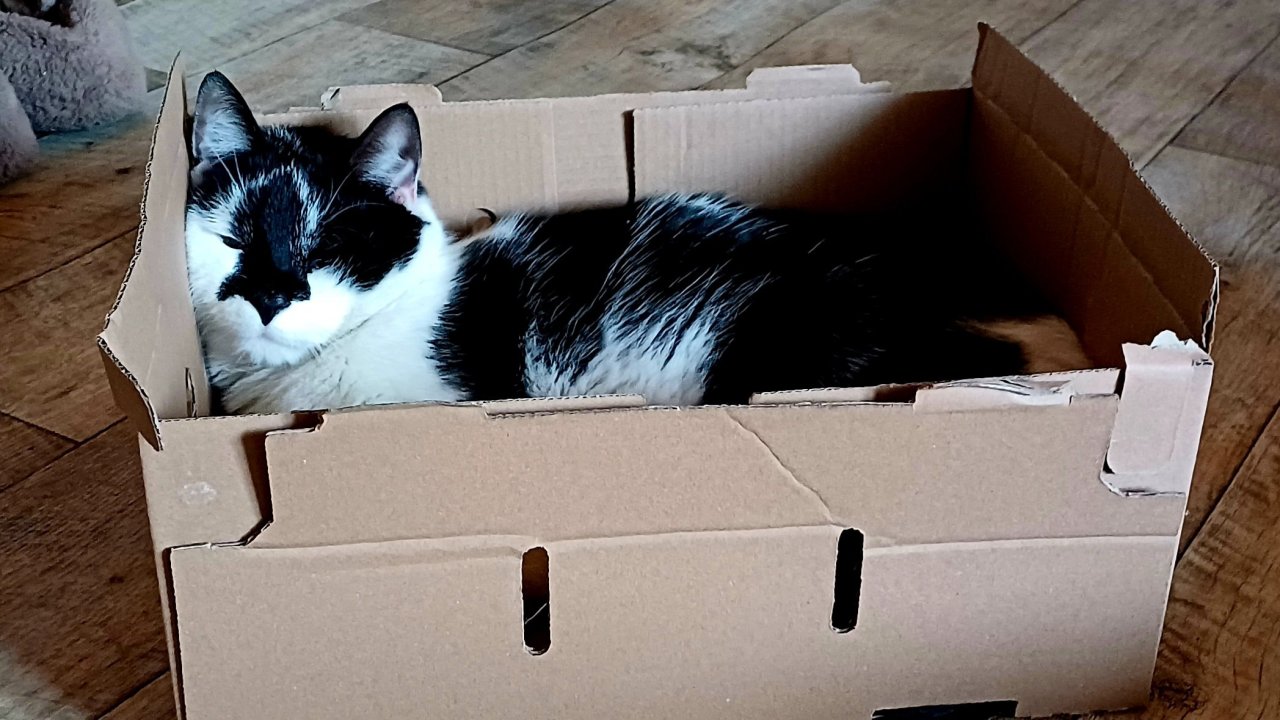
Thank you all for the encouraging words. The cat in the box is my kitty-boy Fergus. He's turning 2 soon.
-
Greetings everyone! Some may remember me from months ago. I'm the guy who's quit and relapsed too many times to count since boarding this train over a year ago. Well, I'm back after months of being hopelessly addicted and ready to break free from the chains again. Hope everyone is well and, especially those who are still in the early stages of freedom from the addiction, maintaining stalwart resolve. Until later (and kind regards)
-
Nope, not today!
-
Nope, not today!
-
Nope!
-
Nope, not today!
-
Nope, not today!
-
Nope, not today!
-
Nope, not today!
-
Nope!
-
Nope!
-
Nope!
-
Nope!
-
Nope!
-
Nope!
-
Nope!
-
Nope!
-
Nope!