

Skip to content
View in the app

A better way to browse. Learn more.

Quit Train, A Quit Smoking Support Group

A full-screen app on your home screen with push notifications, badges and more.

To install this app on iOS and iPadOS
  1. Tap the Share icon in Safari
  2. Scroll the menu and tap Add to Home Screen.
  3. Tap Add in the top-right corner.
To install this app on Android
  1. Tap the 3-dot menu (⋮) in the top-right corner of the browser.
  2. Tap Add to Home screen or Install app.
  3. Confirm by tapping Install.

IQ4me

Members
  • Joined

  • Last visited

Everything posted by IQ4me

  1. IQ4me posted a topic in Celebrations!
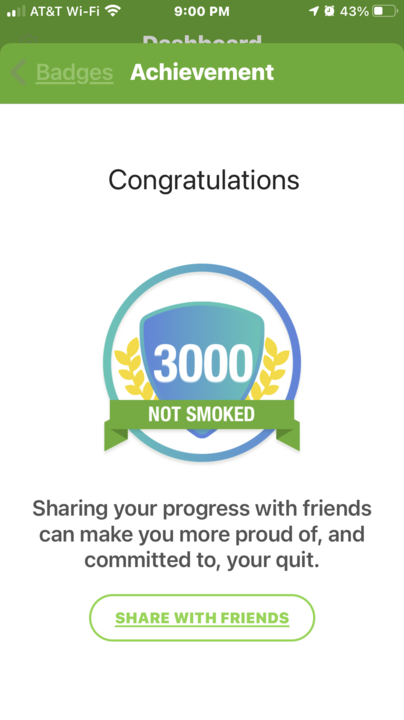
    Hi Teammates! I want to share my newest milestone. During the Christmas holiday season, I stressed a lot, thought I was going to smoke. I reached out to my support groups until I connected with someone positive. I didn't worry if I was getting on someone's nerves; all I cared about was not smoking. I had to do what I had to do, and I’ll do it again.
  2. Hi Deb!! You can do it. As they say, I can you can 😊😊 Bravo for quitting cold turkey!! Keep up good work👏💪👍
  3. Hello all, my name is Patricia and I'm currently working on my 2nd longest quit of 9 months cold turkey. My mantra is NOPE and ODAAT😊. Catch ya later and Have a great day!!
  4. Pledging NOPE for today bc I'm worth it.

Account

Navigation

Search

Search

Configure browser push notifications

Chrome (Android)
  1. Tap the lock icon next to the address bar.
  2. Tap Permissions → Notifications.
  3. Adjust your preference.
Chrome (Desktop)
  1. Click the padlock icon in the address bar.
  2. Select Site settings.
  3. Find Notifications and adjust your preference.

