



By Dee
· 1248 views
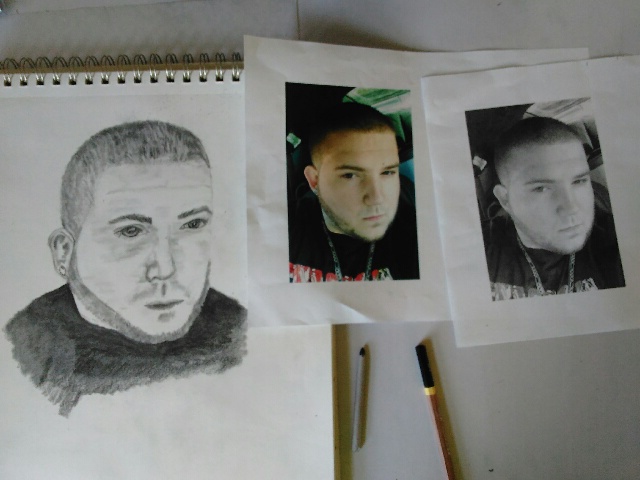 Absolutely loving my new art class having so much fun trying out new media's to work with. Its kinda of cool to be so excited by a hobby that you want rush home to work on it. Friday all I kept thinking about was what crappy weather I would much rather be home with my art. But I must say dinner with my girlfriend turned out to be very nice. Feeling very grateful for life and friends and family. Trying to remind myself to appreciate all the many wonderful aspects of my life....... Spent a great weekend and even having drinks with my friends I had no desire to smoke we are definitely getting used to be a non-smoker.
-
 1
1
Recommended Comments