



By Nicole Diver
· 1137 views
This is pry going to be a real snooze fest, made really for the main purpose of me getting on the diet wagon and staying there (except like July 4th holiday weekend, holiday weekends are freebies, amirite.)
So, starting tomorrow - I am for really realz gonna be better at eating. I did so good the last 2 weeks, then blew it this weekend.
So this is my lil 'self help' blog. Help for the helpless. Or the clueless. Or those in love with cookies. Whatevs.
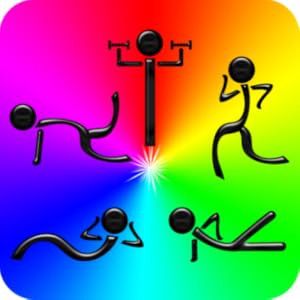
This here is by far the best workout app I have seen - I was dumb and paid the $3.99 but most of it is free and the free stuff is just as good:
Look for this type logo and you know you are in the right place and don't have to weed thru the junk wasting time trying to find a good one. The abs one is wayyy good. I've been using it for almost 8 months about 4x/week.
That said, I am off to my lazy workout. 2 eps of "Parks n Rec" while on the elliptical. Hey! It's something, right? I'll tell ya, it's damn near impossible to run when you don't eat right (tried that theory out again yesterday with same results..)

Recommended Comments